Operator-command concept
Territory-designed product language defines the intended commander experience and mission workflow.

MISSION COMMAND / AUTONOMOUS FORCES
Force makes autonomous forces commandable.
One commander. Every machine. One mission thread across customer-chosen systems.
01 / THE CATEGORY
Force builds the mission-command experience for heterogeneous autonomous forces. The commander’s picture, intent, authority, tasks, acknowledgements, outcomes, and next move remain connected through one continuous thread.
02 / THE COMMANDER LOOP
Every transition changes what the commander knows, decides, assigns, and learns.
Customer-selected systems contribute observations with source, time, and custody intact.
STARHELM carries the estimated state, uncertainty, and competing interpretations into one mission picture.
AI-assisted courses of action branch against constraints, adversary response, and mission objectives.
The commander selects the course and commits authority at the consequential decision point.
Tasks move to the systems chosen for the mission; acknowledgements return to the same thread.
Observed outcomes close the loop and become the next state for assessment, AAR, and replan.
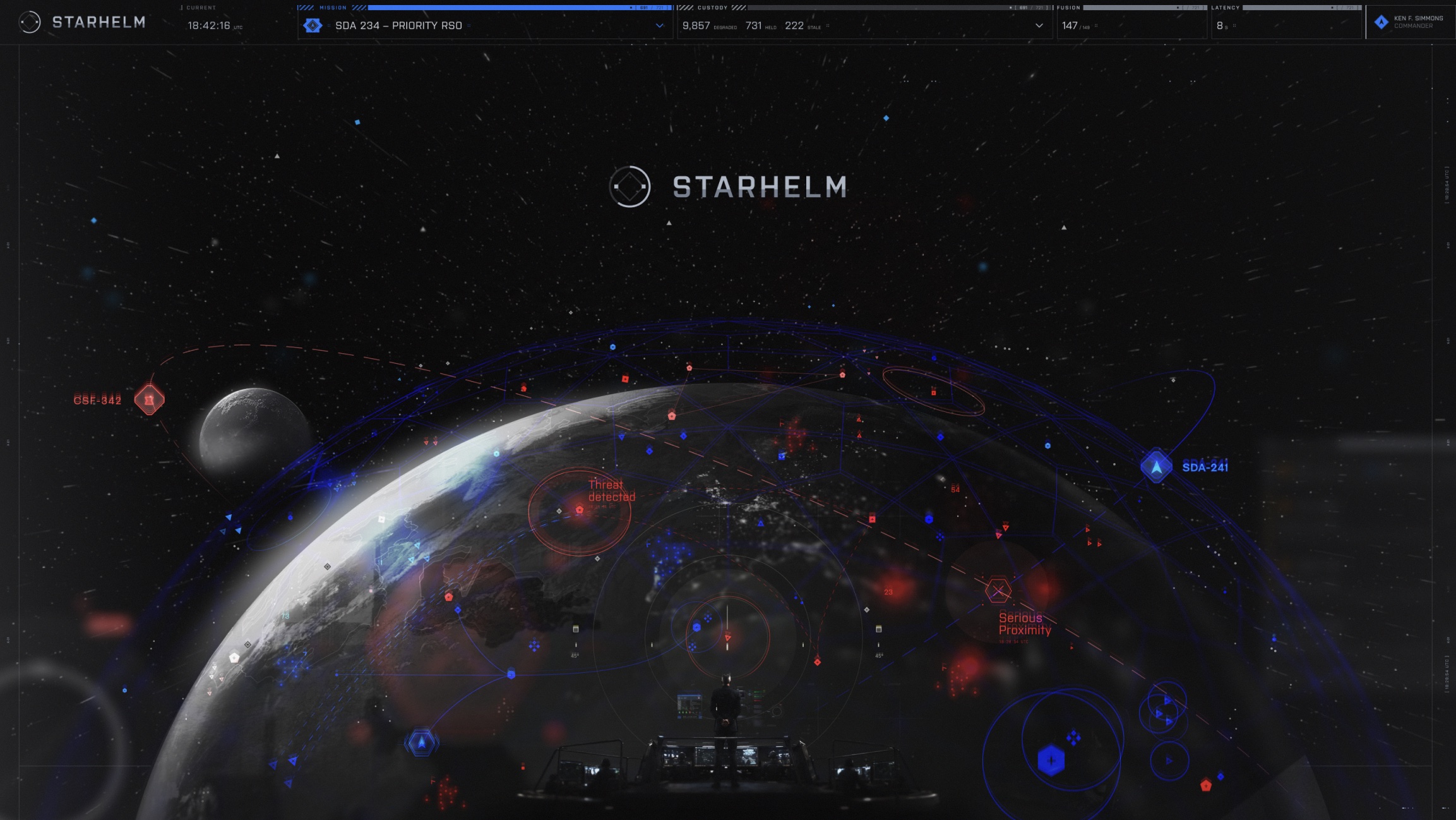
03 / CURRENT REFERENCE SPEAR
Where commander intent becomes coordinated, accountable action.
Enter the product ↗04 / COMPOSITION
Force is the premium mission application and operator-command surface above customer-selected data, C2, simulation, and autonomy systems.
05 / EVIDENCE LADDER
Territory-designed product language defines the intended commander experience and mission workflow.
A recorded local loop connects authority decisions, execution history, outcomes, replanning, replay, and tamper detection.
Representative data, one scored mission thread, evaluator-held truth, and measured operator consequences.
Current evidence is concept and local synthetic/replay work. Operational deployment and customer acceptance are not claimed.
06 / OPEN CHANNEL
Mission partners. Evaluators. Integration owners. Builders.
Talk with the founder ↗